Sign in and describe
Create an account for 20 welcome credits, then write the subject, setting, mood, and lighting you want.
Describe what you want, choose an aspect ratio, visual style, and quality, then generate. Create an account to receive 20 welcome credits, then use credits for every private generation.
Independent third-party product. Not affiliated with or endorsed by Alibaba or the Qwen team.
Create an account for 20 welcome credits, then write the subject, setting, mood, and lighting you want.
Select an available preview or provider model, aspect ratio, visual style, and quality level.
Create a private image, make variations, save favorites, or download the finished result.
Qwen Image 3 Generator Hub brings the image generation workflow into one place: describe what you want to see, select an available preview or provider model, choose the aspect ratio and visual finish, then generate a private result. Create product visuals, campaign concepts, social graphics, cinematic scenes, editorial images, illustrations, and rapid creative studies. Model availability stays visible before every request, so you always know which provider will create your image.
Start with a plain-English description of the image you need. The generator turns the subject, setting, composition, lighting, and mood into one generation request, whether you are creating a product hero, editorial illustration, architectural concept, social graphic, or cinematic frame. Browse the image example gallery, begin with one sentence, and add detail only when the result needs tighter control.
Choose square, landscape, portrait, or widescreen dimensions before generation. Then select a visual style—Photorealistic, Editorial, Cinematic, or Illustration—and match the quality level to the job. Standard is efficient for exploration, High balances speed and detail, and Ultra produces the largest result when final-image detail matters most.
The model selector lists the systems this workspace can actually use. Available runtimes can be selected directly; models that still need provider configuration remain visible but disabled. The model catalog explains provider, speed, cost, and intended use before you spend account credits.
Every generated image can become the starting point for a variation. Signed-in creators can save favorites, group work into projects, and return through private history. Downloads made without an active subscription include a watermark; every paid plan unlocks original exports, while Creator and Professional also unlock the priority generation queue. Failed requests automatically restore reserved credits.
Select the image model directly inside the generator. The backend accepts only models marked available by the current provider configuration, records the chosen model with the result, and rejects unavailable model IDs. The model comparison keeps roadmap entries separate from systems that can generate an image now.
Generation requires an account, and every request shows the exact quality cost before it starts: Standard uses four credits, High uses eight, and Ultra uses sixteen. The pricing page explains watermark-free exports and Creator priority without hiding the image allowance behind vague token totals.
Generated images are private by default and never placed in a public gallery automatically. Account generations remain available through projects, history, and favorites according to the active retention policy. Read the image generation guides for export, quality, and account workflows.
Each reference pairs a clear visual target with a ready-to-use prompt.
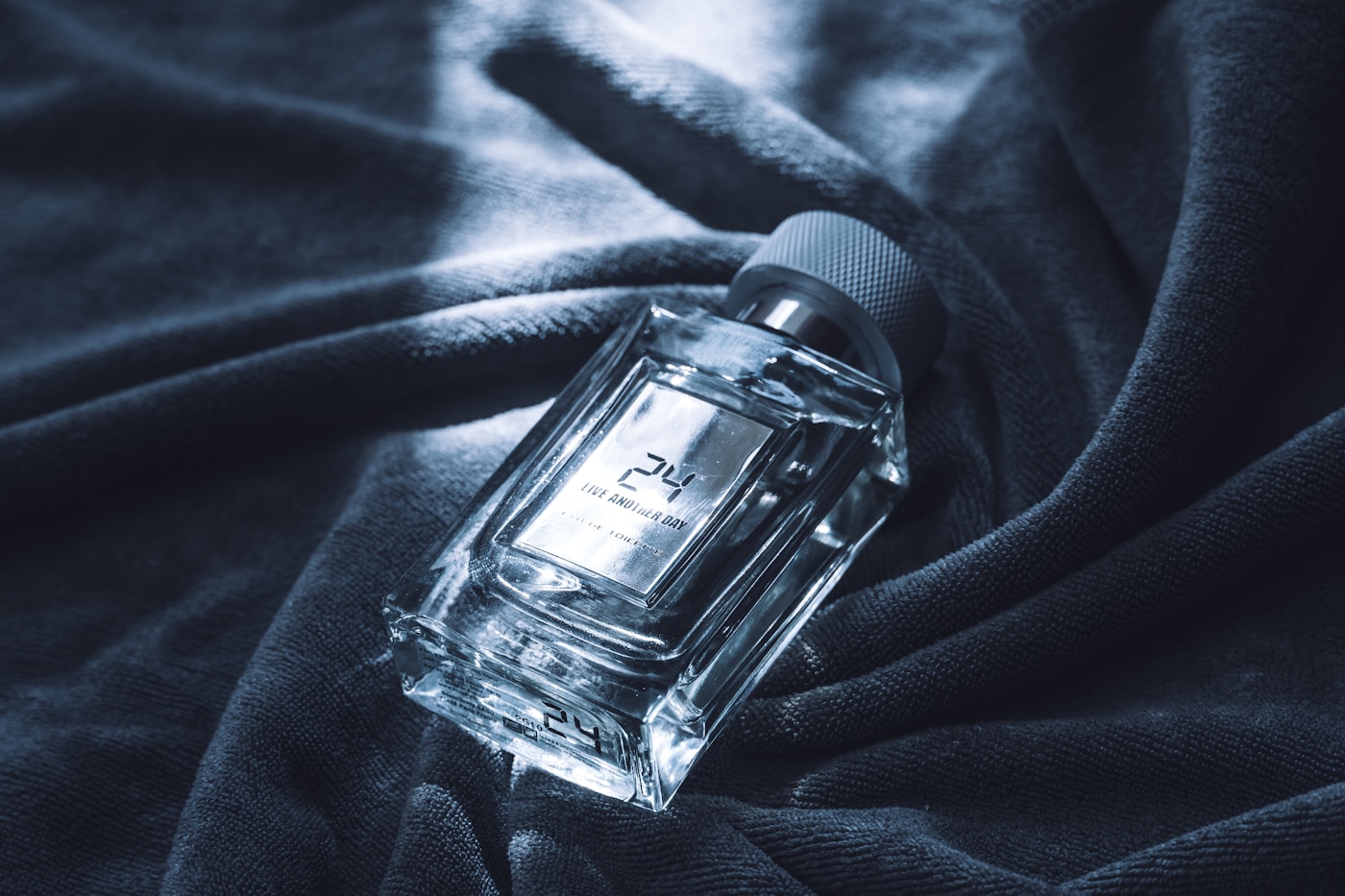
A premium cobalt perfume bottle on black stone, soft studio light, precise reflections, editorial product photography
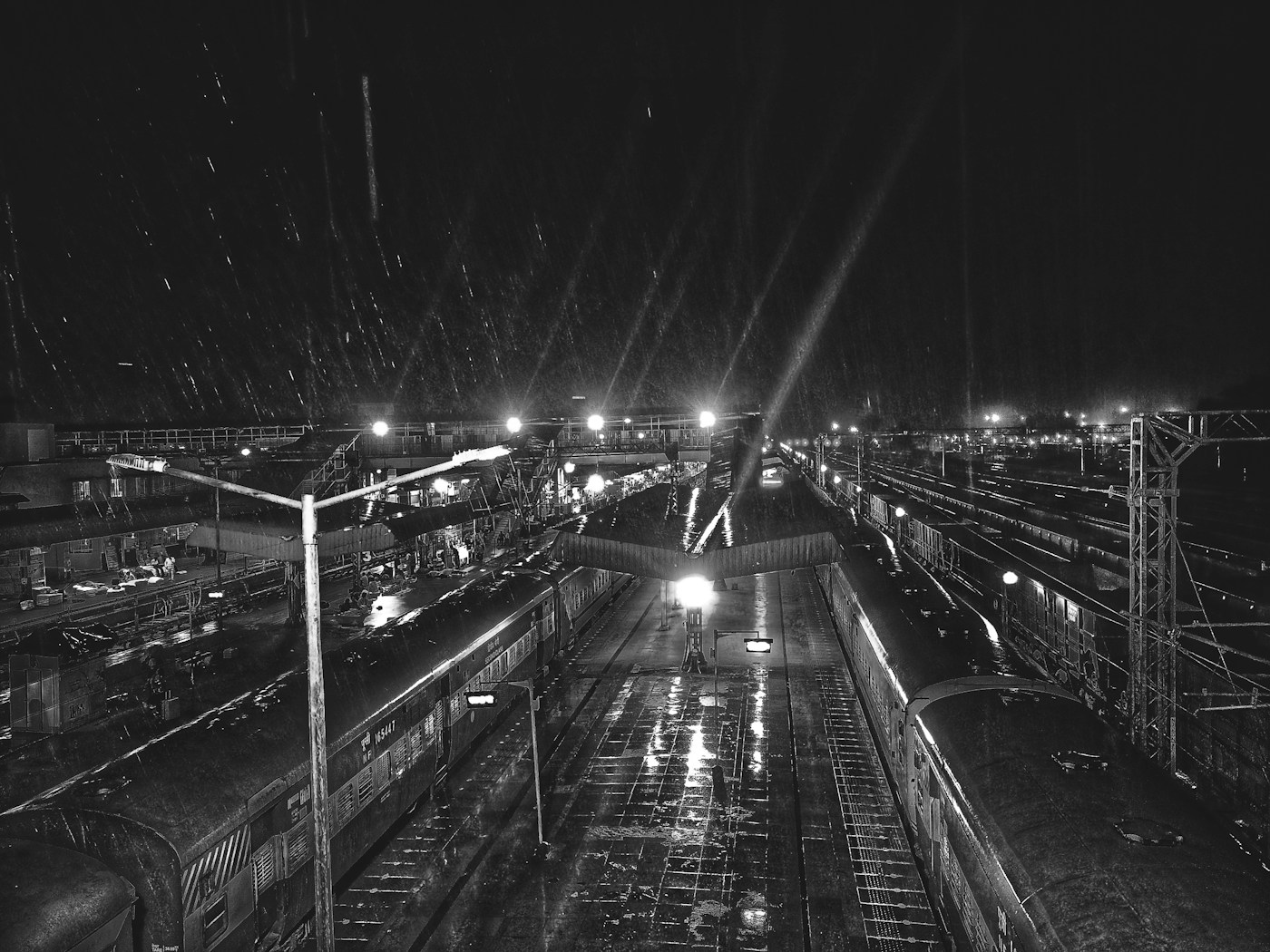
A tiny night train crossing a steel bridge in heavy rain, cinematic wide shot, deep blue atmosphere, warm carriage windows
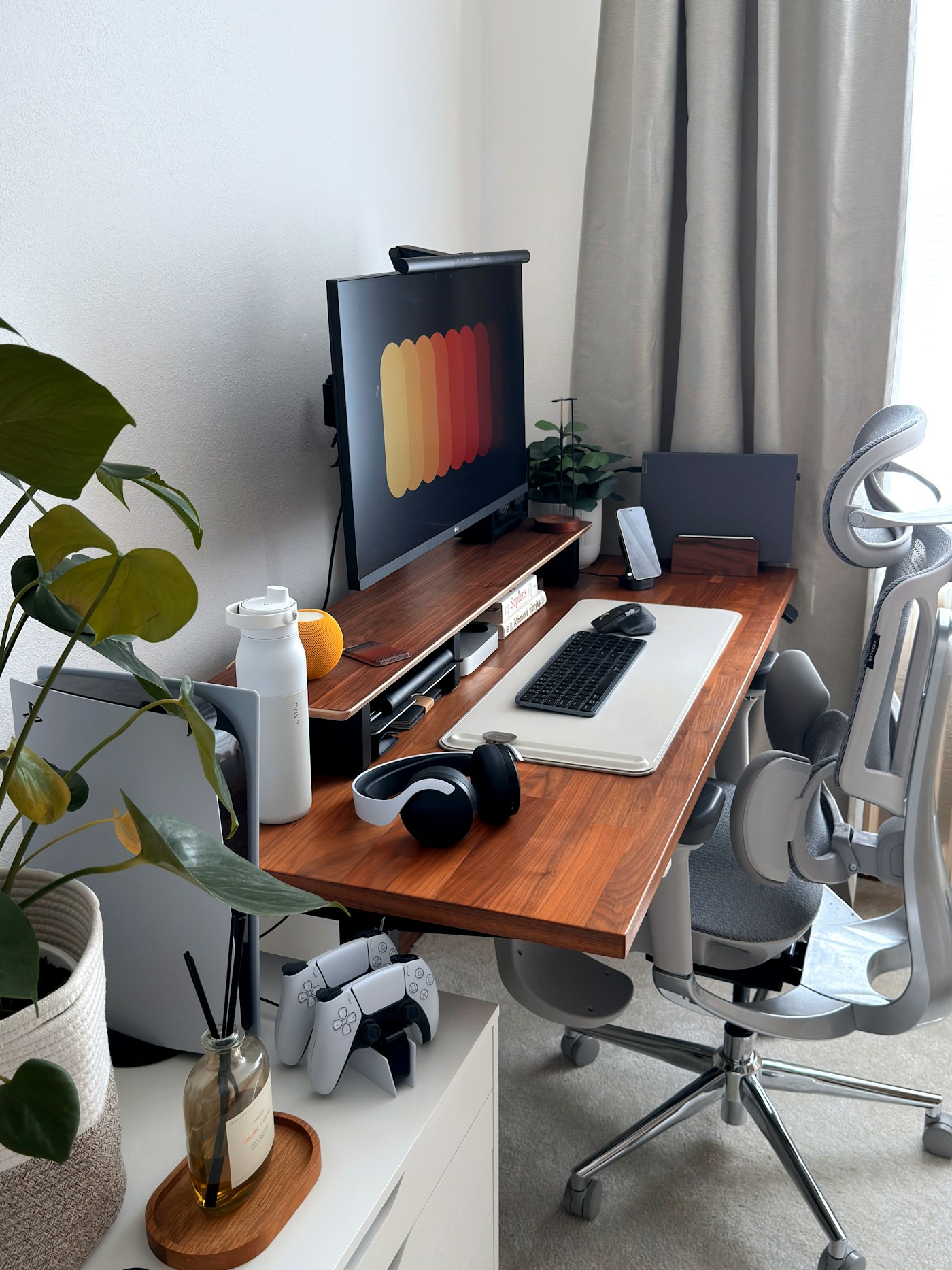
A minimalist workspace with warm oak, morning shadows, tactile paper details, calm editorial interior photography
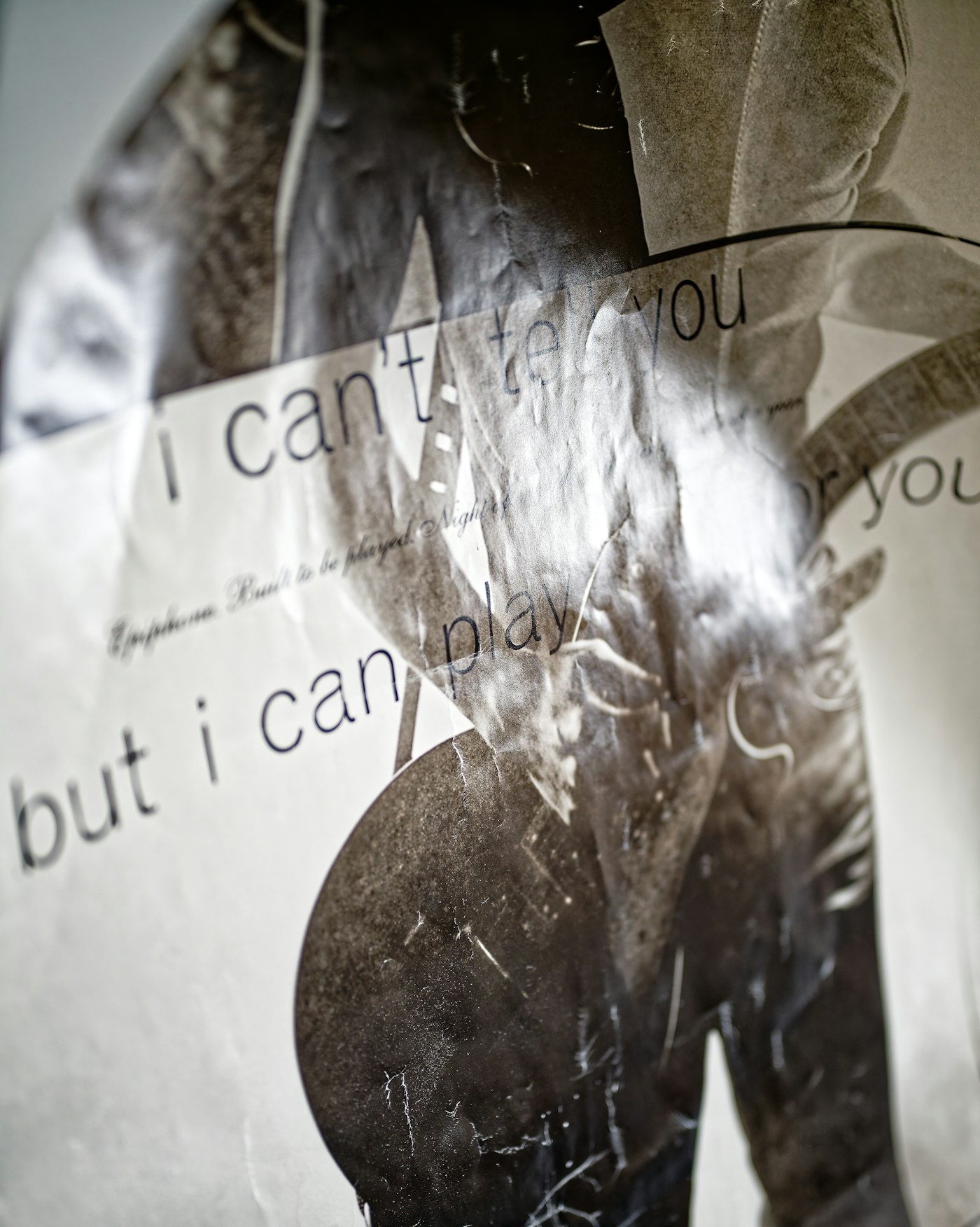
A restrained futuristic poster with monumental sans-serif typography, silver foil, black paper, controlled studio lighting
Available models can be selected inside the generator. Provider requirements and roadmap models remain clearly labeled.
Compare the current Starter, Creator, and Professional plans. Every new account receives 20 welcome credits before any purchase.
Yearly pricing is shown. The full annual credit allowance is issued after payment.
For exploring a dependable account-based image workflow.
For consistent creators who need more capacity and faster processing.
For high-volume production workflows with the lowest subscription cost per credit.
Nothing is expanded until you ask for it. Start with account access, credits, model availability, or billing.
No. Image generation requires an account so every request is charged against a server-authoritative credit balance.
Yes. A new account receives 20 welcome credits once—enough for five Standard images. Generation requires signing in.
Standard costs 4 credits, High costs 8, and Ultra costs 16. Credits are reserved first and settled only after a successful result.
No. A system or provider failure releases the reservation automatically and restores the account credits.
Creator and Professional subscribers enter the VIP priority lane. Starter subscribers use the standard account queue while keeping private, watermark-free exports.
No. Generations are private by default. Nothing is published without a separate explicit action.
Yes. GA4 measures page visits when the site loads. Advertising storage and personalization are disabled, and prompts, generated images, and account identifiers are not sent.
No. Qwen officially announced Qwen-Image-3.0 on July 21, 2026, but no Qwen Image 3 provider is connected here. The generator and Models page identify the exact currently available runtime.
Credit spending is paused for billing review, the financial event is shown in billing history, and no silent balance mutation is performed.
Any Stripe subscription and customer are removed first, then local assets, projects, credits, sessions, keys, and connected identities are deleted.
Yes. Scoped API keys and recent request status, latency, and request IDs are available inside Studio.
No. This is an independent third-party product and is not affiliated with or endorsed by Alibaba or the Qwen team.
The Qwen team announced Qwen-Image-3.0 as a model for rich content, authentic details, and deep knowledge. Official demonstrations cover dense layouts, small text, multilingual rendering, complex interfaces, and editing. Those model demonstrations are not claims that this site has integrated it.
Qwen's official release describes instruction input up to about 4.5k tokens. This site's current available runtime has its own shorter limit, shown beside the generator, because Qwen Image 3 is not connected here.
According to Qwen and Alibaba Cloud, the official model supports image editing and native rendering across 12 languages. Alibaba Cloud currently documents qwen-image-3.0-pro as invite-only. Neither capability is exposed by this site's current generator.